Clear your head: GTD-style capture (Getting Things Done), without the headache
Your head is for having ideas, not for storing them. GTD-style capture made simple: jot everything down in two seconds, then sort through it once a day.


It's 11 pm, you're in bed, and there it is again: you need to buy batteries. And call the garage back. And that gift idea for your sister's birthday, you really mustn't forget it. You tell yourself you'll write it down in the morning. The next morning it's gone, but the vague feeling that you've forgotten something stays.
David Allen starts from this observation in Getting Things Done, the method he popularised in the early 2000s: your head is for having ideas, not for storing them. As long as something you need to do isn't written down somewhere reliable, your mind keeps watching over it. The answer comes down to one move: get everything out of your head and put it somewhere you know you'll find it again.
GTD has a reputation for being heavy machinery. This article keeps its core, capturing and sorting, and leaves the rest aside.
Why your head makes a poor notebook
Allen talks about open loops: all those little things started or promised that haven't been dealt with. Each one takes up a bit of space. One at a time, no big deal; together, they make the background noise we call mental load.
Worse, your memory brings them up at the wrong moment: the batteries when you're in bed, the garage when it's closed, the gift the day before the birthday. Rarely when you can actually do something about it.
The principle: capture first, decide later
The most common mistake is trying to do it all at once: write the idea down, decide where it goes, give it a date, file it under the right project. That's too much. So you put it off, and the idea slips away.
GTD-style capture separates two moments:
- Capture: write the thing down as it comes, in a few seconds, without thinking.
- Sort: later, with a clear head, decide what it becomes.
The whole method rests on that separation. Capturing becomes so easy that you actually do it, and sorting becomes its own calmer moment, where you make better decisions.
Step 1: capture everything, straight away
Anything that crosses your mind and asks something of you, now or someday, deserves to be captured: a task, an errand, an idea, a film a friend recommended, an "I really should".
Three rules:
- One inbox, or as few as possible. If your ideas are scattered across three notebooks, five apps and a handful of sticky notes, you stop trusting them.
- Always within reach. On your phone, or one shortcut away on your computer. If capturing takes more than a few seconds, you won't do it.
- Don't organise anything. No category, no date, no formatting. Just the text.
Step 2: sort once a day
Once a day, take a few minutes to empty your inbox. For each item, one question: does this need an action from me?
- Under two minutes? Do it right away. That's GTD's two-minute rule: writing it down and filing it would take longer than doing it.
- A specific action? It becomes a task, with a day if it has one.
- Several steps? It's a project. Create it, along with its first concrete task.
- An idea to explore? It becomes a note.
- Someday, maybe? The book to read, the restaurant to try, the gift idea: off to a list.
- None of the above? Delete it without regret.
The goal isn't for your inbox to be empty all the time, but for it to get back to empty regularly. An inbox that never empties becomes a second head, just as cluttered as the first.
Writing a good task
When you sort, take three seconds to rephrase. "Mum" won't mean anything to you in a week; "Call Mum to sort out Saturday" tells you what to do. A good task starts with a verb and describes a visible action: call, send, buy, book.
If you can't find a verb, it's often a project in disguise. "Summer holiday" isn't a task; "compare three rentals for July" is.
What you can leave out of GTD
The full method includes contexts (tasks "on the phone", "at the computer"), a system of dated folders, several levels of goals. Some people find it invaluable, many find it intimidating. To get started, keep the essentials:
- Capture everything.
- Sort regularly.
- Know the next action for every project.
- Do a review every week.
The rest will come if you feel the need, and only then.
The point isn't to remember everything, but to no longer need to.
Signs your system is overflowing
Even a well-run capture habit can jam. A few signals to watch for:
- You hesitate to capture because your inbox is already full. Time for a big sort, even a quick one.
- You write things down elsewhere "so as not to mix them up". Bring everything back to one place.
- You reread without deciding. Every pass through your inbox should move at least a few items.
In Dandori
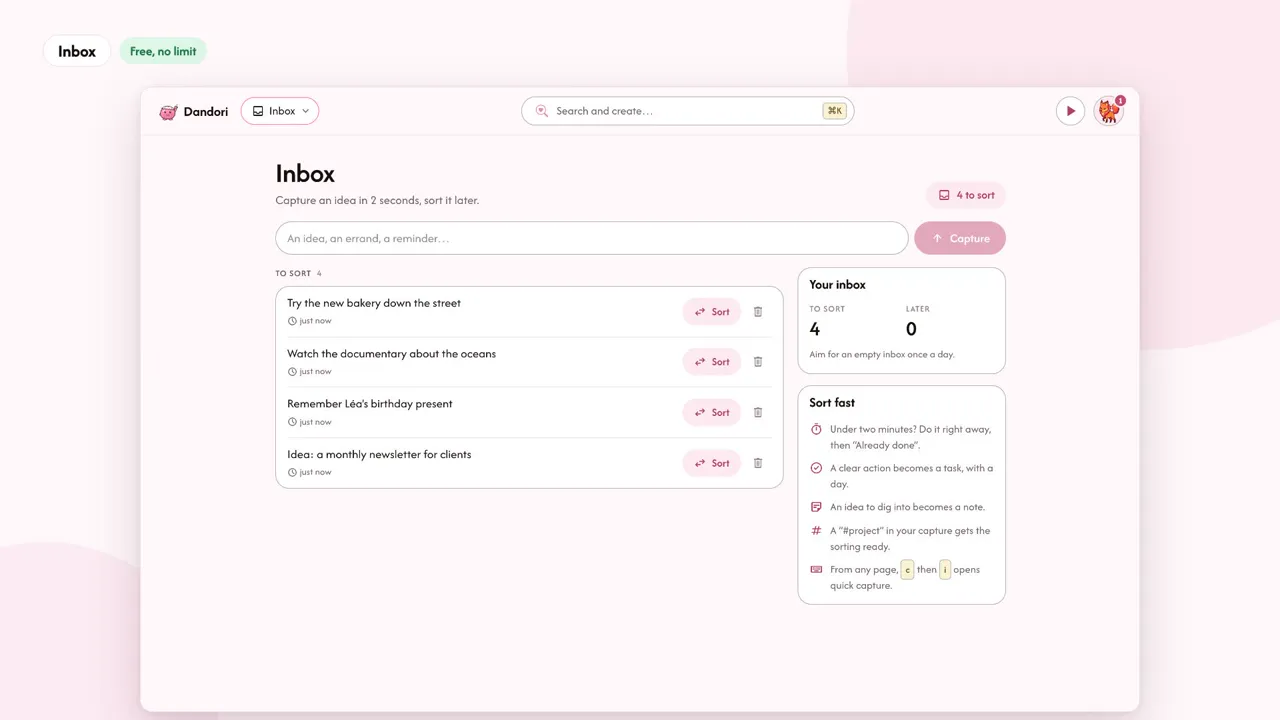
The Inbox is where Dandori collects your captures. You jot down an idea in two seconds, without choosing where it goes; on a keyboard, from any page, pressing c then i opens quick capture. Items wait under "To sort", with a simple goal: an empty inbox once a day.
When you sort, each item becomes:
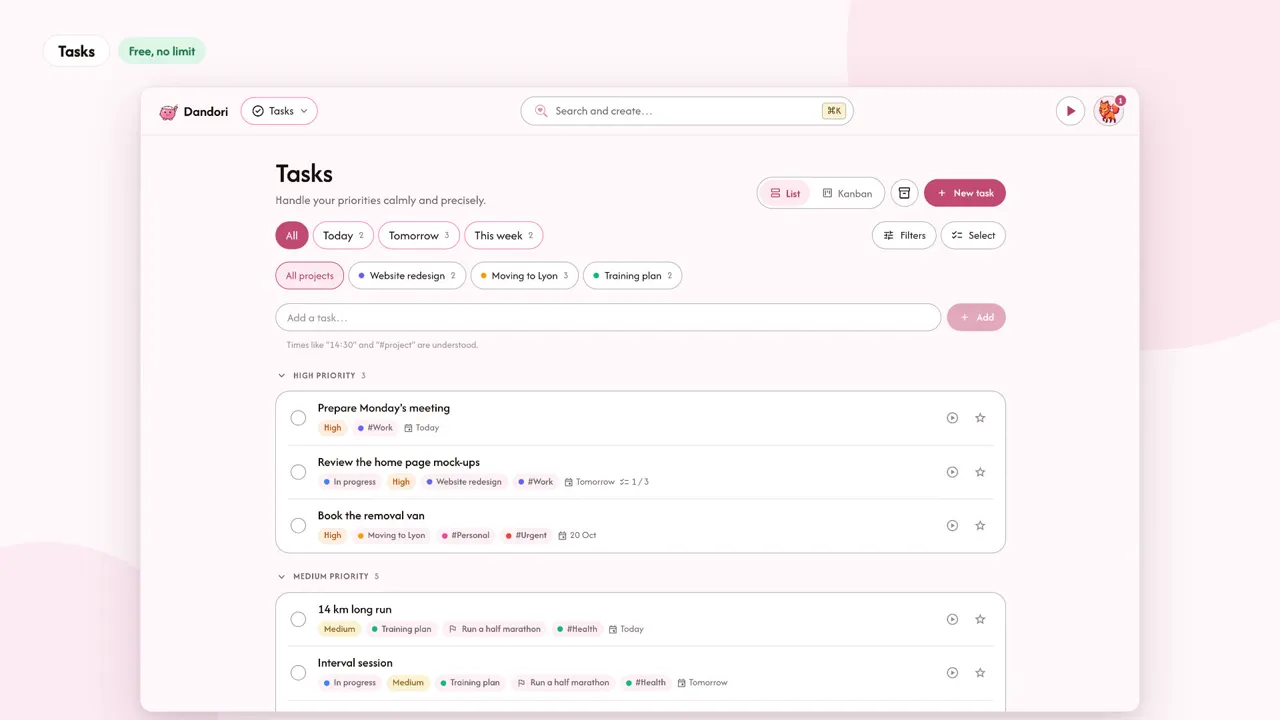
- a task, for today, tomorrow or a set date, filed in a project and linked to a goal if you like;
- a note, for an idea to explore;
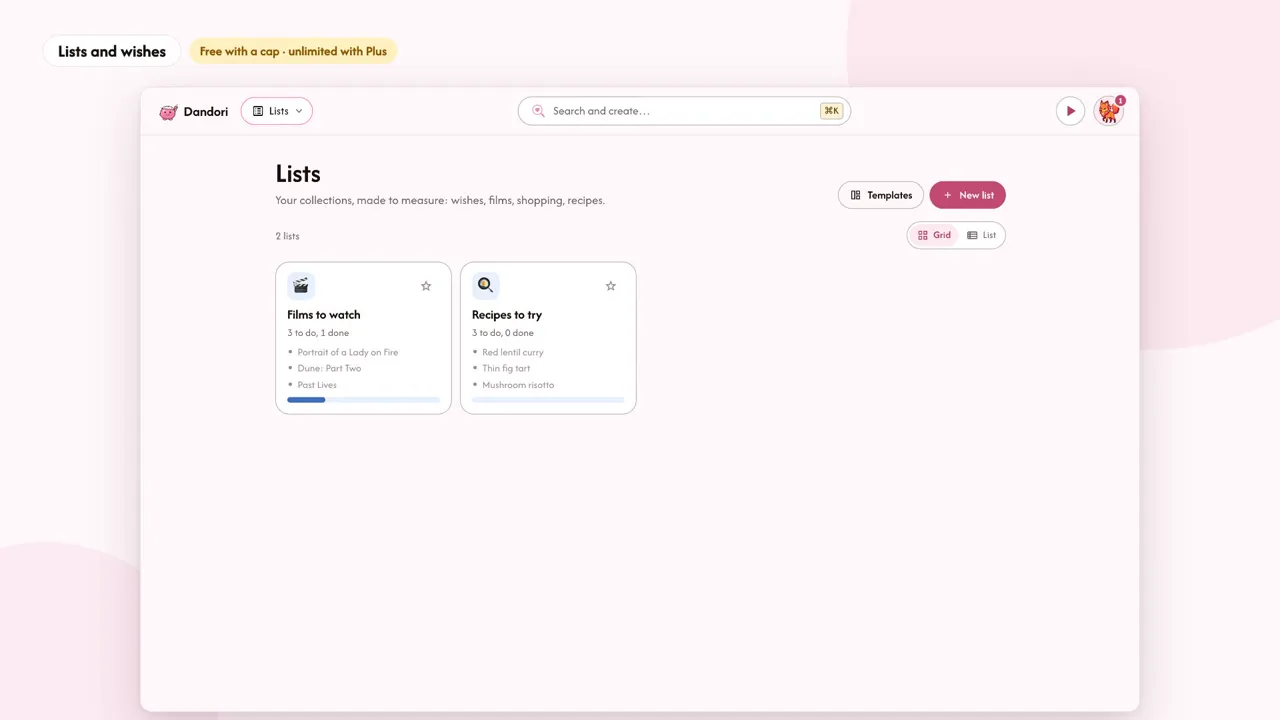
- a wish, which joins your Wishes list in Lists;
- or "Already done", for whatever took less than two minutes.
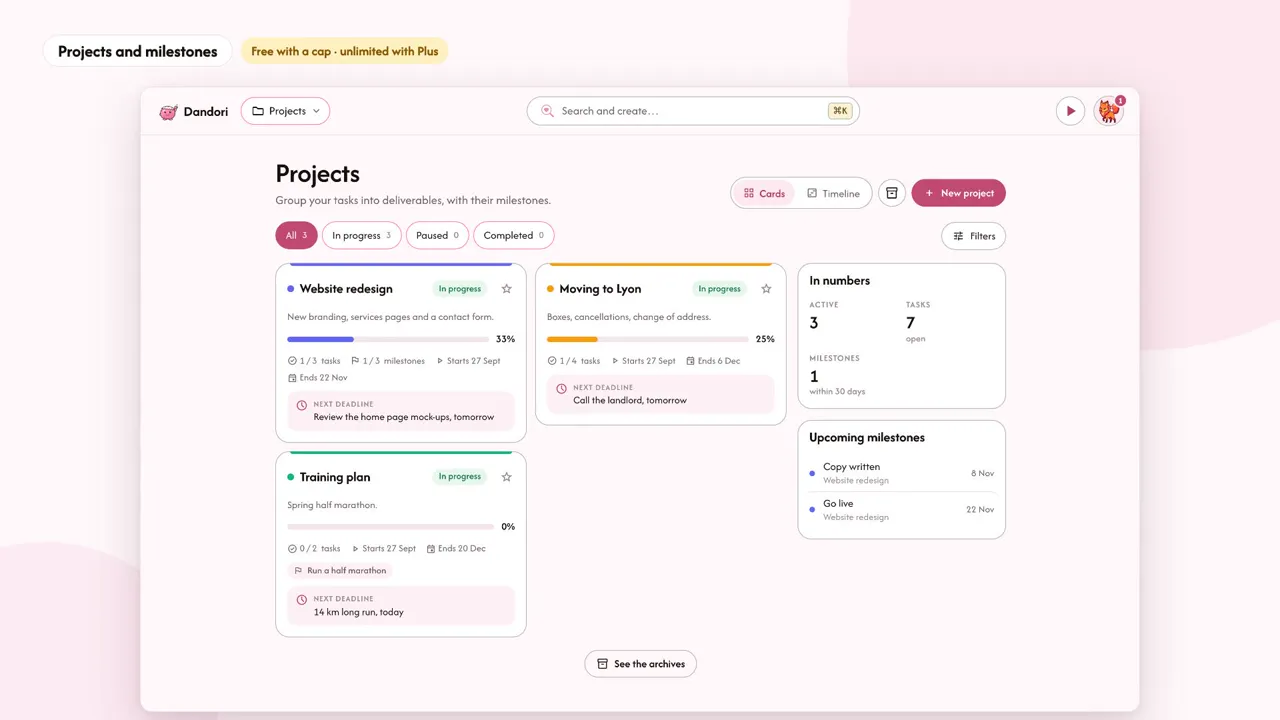
You can also keep an item for later, or delete it. A small tip: typing "tomorrow" or "#project" in your capture already prepares the sorting. Projects then group your tasks with their milestones, and Lists hold everything that's "for someday": films to watch, recipes to try, gift ideas.